When a person who receives your eNudge Email message clicks on the ‘Forward this Email’ link either in the bottom of your email, or as a result of you using the #forward_to_a_friend# personalisation field, they will be taken to the Forward this Email screen which starts with the following:
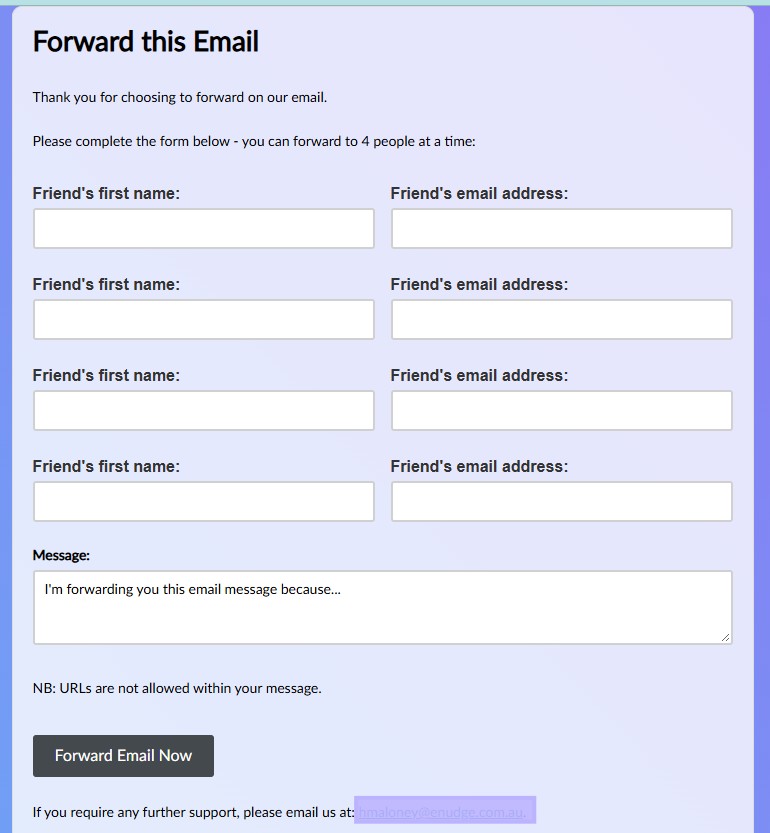
The email address included after “please email us at:” will be your main email address on your Enudge account.
The forward form is followed by the contents of your email including your embedded logo. If required, you can upload or update your organisation’s logo through the Campaign Settings screen.
Your contact can enter up to four people to forward the email to at a time, as well as a custom message.
What does the forwarded email look like?
The forwarded email will start something like this (with the contact details of your Enudge account inserted rather than my details of course!):

The ‘Hi Heather’ is automatically added to the top of the message, using the name of the person entered into the Friend’s first name: field. The original email content will follow, intact with all the content except for personalisation, Unsubscribe, Update Preferences, and Forward links. Any URLs will be included without tracking.
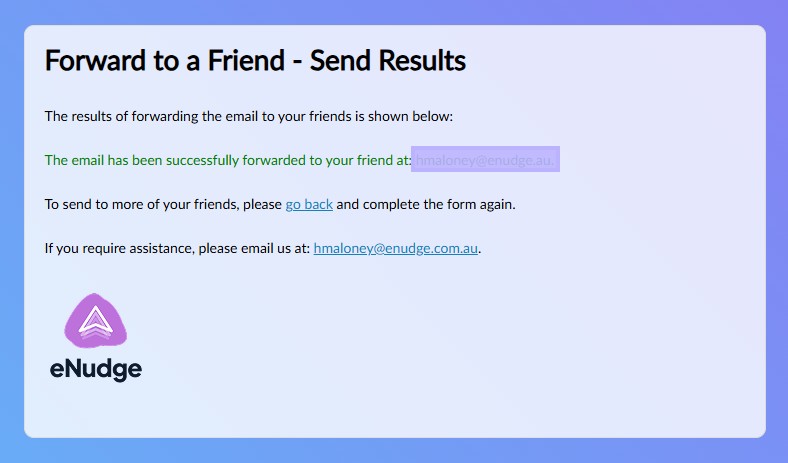
After forwarding your message, your contact will see the following success message, listing out the success or otherwise for sending to each email address: