Rows with multiple columns are very helpful for placing different types of content side by side in your email body.
But how do you control the relative width of each column?
The steps are as follows:
Select a row.
In the right hand properties, scroll down to the Column Structure section.
Using your mouse drag to the left or right to change the relative width of each column (icon shown with a green border below).
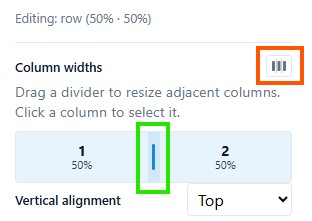
4. You can also reset all columns to be equal width using the icon shown with a red border above.
Adding / Deleting Columns
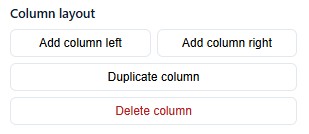
Select just one column by clicking on the inside left or right of the column, to get access to options to add and delete columns: