
Your email, SMS and message series campaigns must each have a unique name. You will get an error if you try and create a new campaign and give it the same name as an existing campaign (whether archived or active).
Below are the steps to rename a campaign:
Access the Campaign Management screen in Enudge by clicking ‘Campaigns’ in the main navigation.
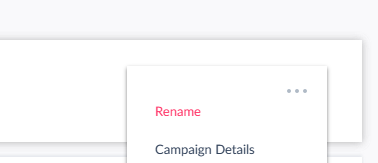
Click on the 3 dots icon, to the right of the campaign tile.
Choose ‘Rename’ which is at the top of the options.
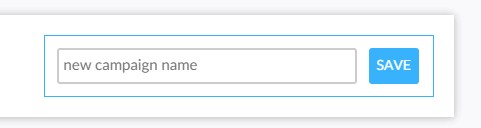
Type in your new name in the field that will open in the tile.
Click Save.
Voila! Your campaign will appear with its new name in the Campaign list.
If you happen to enter a name that has already been used, Enudge will add an underscore and a number to the end of the name, to enforce uniqueness.